
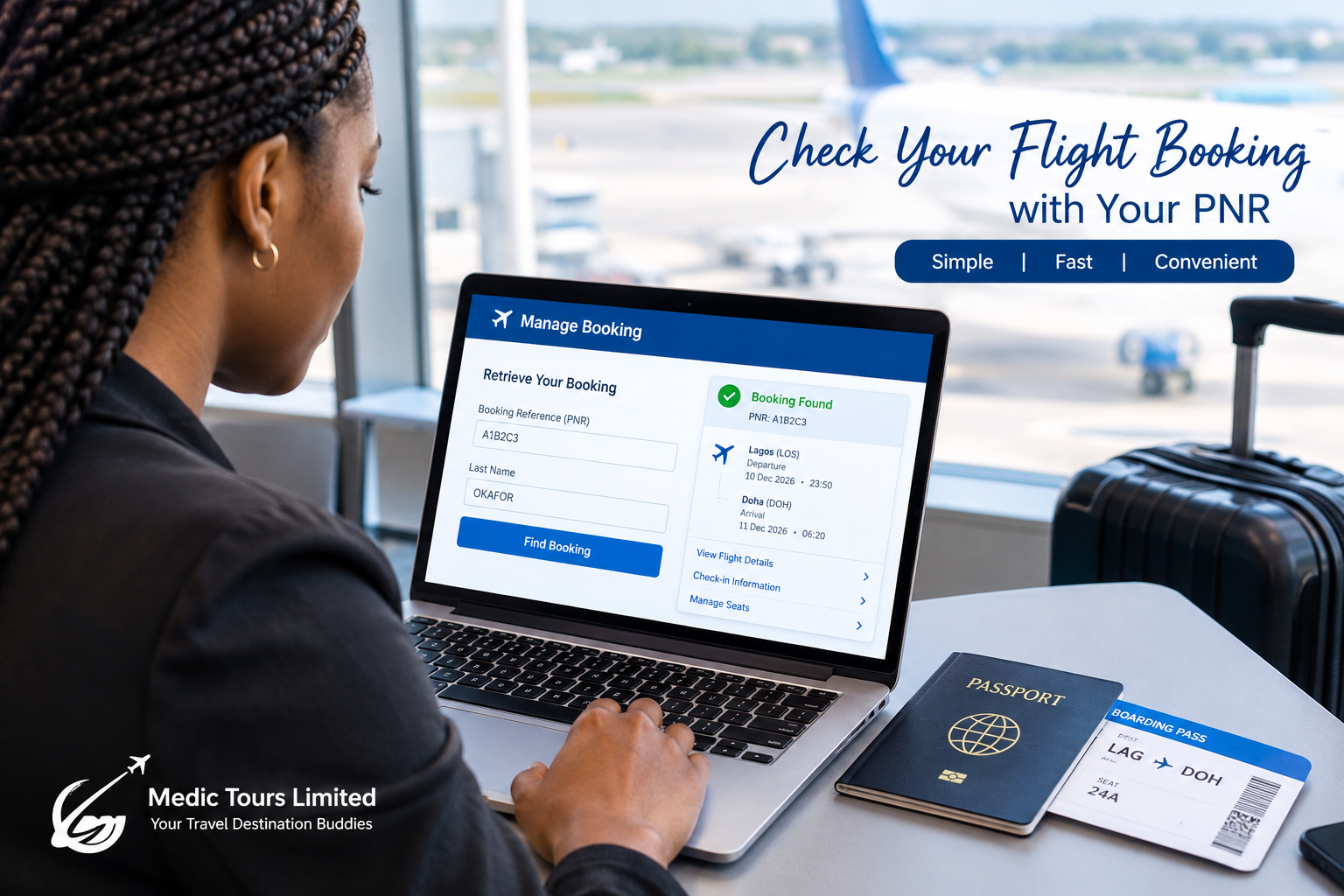
What Is a PNR and How Do You Check Your Flight Booking?
Introduction
Have you booked an international flight and received a booking reference but don't know what it means? Or have you purchased a flight ticket and want to confirm that your reservation is valid?
Understanding your PNR is an important part of managing your flight booking. Whether you are travelling from Nigeria to Qatar, Singapore, the United Kingdom, or another destination, knowing how to check your booking can help you prepare for your journey with greater confidence.
In this guide, Medic Tours Limited explains what a PNR is, where to find it, how to check your flight reservation, and what to do if you cannot retrieve your booking.
What Is a PNR?
PNR stands for Passenger Name Record. It is an electronic record containing information associated with a passenger's flight reservation.
Your PNR may contain details such as:
Passenger name.
Flight itinerary and travel dates.
Airline and flight numbers.
Booking status.
Contact information, where provided.
Ticketing information.
Special service requests and seat details, when available.
A PNR is commonly identified by a six-character booking reference, although the format can vary by airline or reservation system.
Important: A PNR is not the same as an e-ticket number. Your booking reference identifies the reservation, while your e-ticket number identifies the electronic ticket issued for travel.
Where Can You Find Your PNR?
You can usually find your PNR in one of the following places:
- Your booking confirmation email
Check the confirmation sent by your airline or travel agent. Look for terms such as Booking Reference, Reservation Code, Record Locator, or PNR.
- Your e-ticket or itinerary receipt
Your itinerary receipt may display the airline booking reference alongside your flight details and ticket number.
- Your travel agent
If you booked through a travel agency, contact the agency that made your reservation and request the appropriate airline booking reference.
Be aware that an agency's internal booking reference may differ from the airline's PNR.
How to Check Your Flight Booking Using Your PNR
Follow these steps to retrieve your reservation.
Step 1: Locate your booking reference
Find the PNR in your booking confirmation or ask your travel agent for the airline's reservation reference.
Step 2: Visit the airline's official website
Open the website of the airline operating your flight. Look for an option such as Manage Booking, My Trips, or Retrieve Booking.
Step 3: Enter your details
Depending on the airline, you may need to provide:
Your PNR or booking reference.
Your surname exactly as shown on the reservation.
Some airlines may request additional information.
Step 4: Retrieve your reservation
Submit the details to view the booking, if the airline's system can retrieve it.
Step 5: Check your flight information
Review your passenger name, flight dates, departure and arrival airports, flight numbers, and booking status.
If you have already purchased your ticket, also confirm that your electronic ticket has been issued.
Step 6: Check your seat assignment
If you want to know your assigned seat, look for a seat number on the booking details or boarding pass. If no seat is displayed, you may need to select a seat or wait for the airline to assign one, depending on its policy.
A confirmed reservation does not always mean that a specific seat has been assigned.
Can You Check Your PNR After Your Ticket Has Been Issued?
Yes. You can generally retrieve your reservation after ticket issuance using the airline's booking reference and the passenger's surname.
However, remember that a PNR and a ticket number serve different purposes. A booking reference alone does not prove that a ticket has been issued.
If you need to verify ticket issuance, check your e-ticket receipt or ask your travel agent or airline to confirm the ticket status.
What If Your PNR Is Not Working?
If your booking reference does not retrieve your reservation, do not panic. Consider the following possibilities:
You are using the wrong reference: Your travel agency may have provided an internal reference instead of the airline's PNR.
Your surname was entered incorrectly: Check the spelling and follow the airline's instructions for entering passenger names.
The booking has not synced with the airline's website: Some reservations may take time to appear in an airline's online system.
You are checking with the wrong airline: For codeshare or connecting flights, different airlines may use different booking references. Start with the airline that issued or manages your booking.
Your reservation needs further verification: Contact the airline or the travel agency that made the booking.
Never share your complete booking reference, passport details, or other sensitive travel information publicly.
What Is the Difference Between a PNR and an E-Ticket Number?
PNR: Identifies a reservation record.
E-Ticket:Identifies an electronic flight ticket.
PNR :Often six characters, depending on the system.
E-Ticket:Commonly 13 digits for tickets issued by many airlines.
PNR: Used to retrieve booking details.
E-Ticket: Used to identify and verify the issued ticket.
PNR: Does not by itself prove ticket issuance.
E-Ticket: Indicates that a ticket record has been created, although its validity and current status may still need verification.
Frequently Asked Questions
Can I check my flight booking without a PNR?
You may be able to retrieve your reservation using other information, such as your ticket number, surname, or airline account, depending on the airline. Contact your travel agent if you cannot locate your reference.
Does having a PNR mean my ticket is confirmed?
Not necessarily. A reservation may exist before a ticket is issued. Confirm the booking status and check that your e-ticket has been issued.
Can I check my flight seat using my PNR?
Often, yes. Retrieve your reservation through the airline's website or app. Your assigned seat may appear in the booking details, but some airlines assign seats later or require an additional seat-selection step.
Can a PNR expire?
A PNR may be subject to reservation deadlines, ticketing time limits, or cancellation rules. The reference itself does not guarantee that the reservation remains active. Confirm the current status with the airline or travel agent.
Can I use my PNR to check in online?
Many airlines allow online check-in using a booking reference and surname. Check-in opening times and requirements vary by airline and route.
Conclusion
Knowing how to check your PNR helps you manage your flight reservation, review your itinerary, and prepare for your trip. Always verify your passenger details, flight schedule, booking status, and ticket issuance before travelling.
At Medic Tours Limited, we help travellers prepare for international journeys with flight booking assistance and travel support. Whether you are planning a holiday, visiting family, or travelling for business, getting the right information before departure can make your journey easier.
Planning your next international trip? Contact Medic Tours Limited for assistance with flight bookings and travel arrangements.
Comments (0)
Loading comments...
Ready to plan your trip?
Talk to our team about medical tourism, tours, or events tailored to your needs.